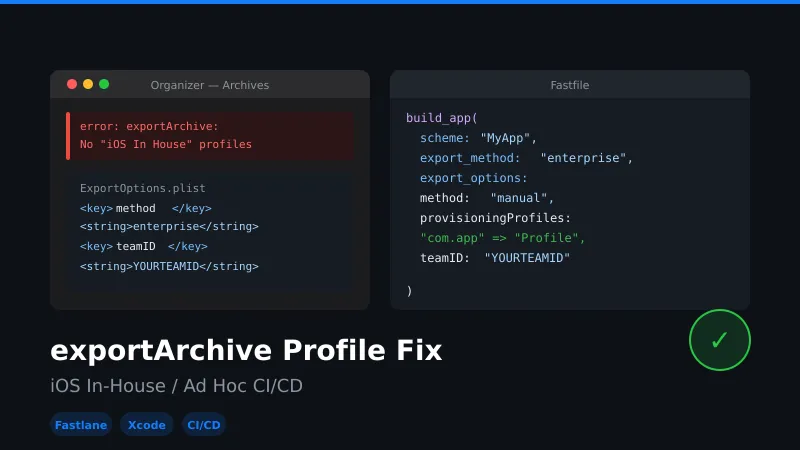
Fixing 'exportArchive: No iOS In-House / Ad Hoc Profiles for Team'
Below is a common error when trying to set up CI/CD using Fastlane or raw XcodeBuild/Xcrun commands:
“error: exportArchive: No “iOS In House” profiles for team” or “error: exportArchive: No “adhoc In House” profiles for team”
Fixing it:
- The easiest way is to make a build archive in Xcode, export using Organizer, and save it to a folder.
- Go to the folder, open
ExportOptions.plist, and replicate the same settings in Fastlane’sbuild_app/gymexport options. - In case of XcodeBuild, replace the same in the
ExportOptions.plistprovided in the XcodeBuild command and try again. - Make a build, thank me 😄
Fastlane Build Script
build_app(scheme: "Your scheme name",

    clean: true,

    skip_profile_detection: true,

    output_directory: "output path",

    codesigning_identity: "Copy this from Xcode build settings - Code Signing",

    export_method: "enterprise",

    export_options: {

        method: "manual",

        provisioningProfiles: {

        "com.xxx.xxxxx" => "Copy this from Xcode build settings - Provisioning Profile"

      },

      teamID: "Your team ID",

      stripSwiftSymbols: false,

      signingCertificate: "iPhone Distribution",

      thinning: "<none>"

    },

)